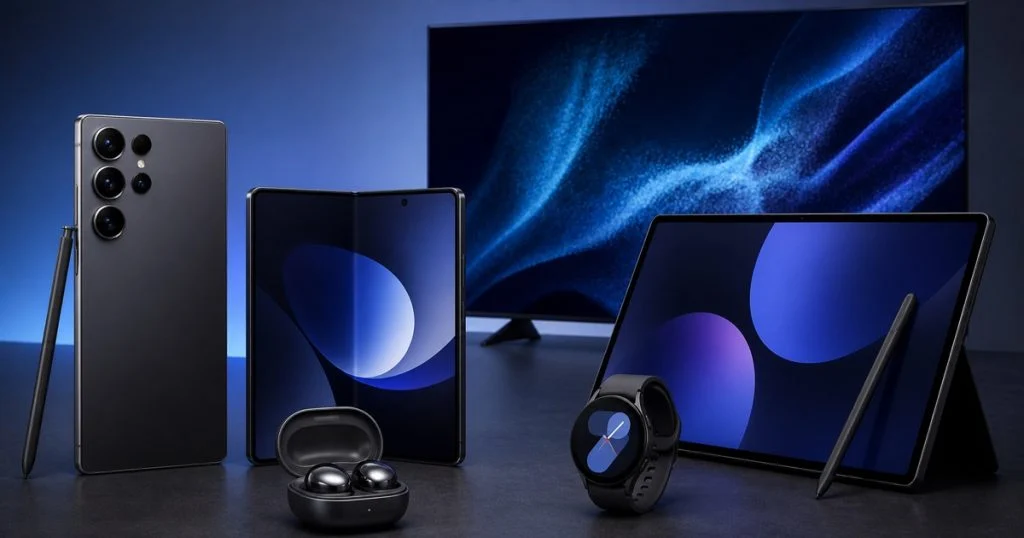
Choose the right Samsung phone, foldable, tablet, TV or home appliance in Saudi Arabia, compare real costs and offers, and return terms before you buy.
In this guide (15)
- Start with your needs before comparing Samsung devices
- How to choose the right Samsung phone
- Is a foldable phone right for you?
- Tablets and the S Pen
- Galaxy Watch and earbuds: when are they worth adding?
- Choosing a Samsung TV by room and use
- Home appliances: refrigerators, washing machines and air conditioners
- Energy efficiency and the real cost of ownership
- How to compare prices and offers in Saudi Arabia
- Quick checklist before payment
- Frequently asked questions about buying Samsung devices
- Privacy, updates and moving your data to the new device
- Are AI features worth the price difference?
- When is the right time to buy?
- Conclusion
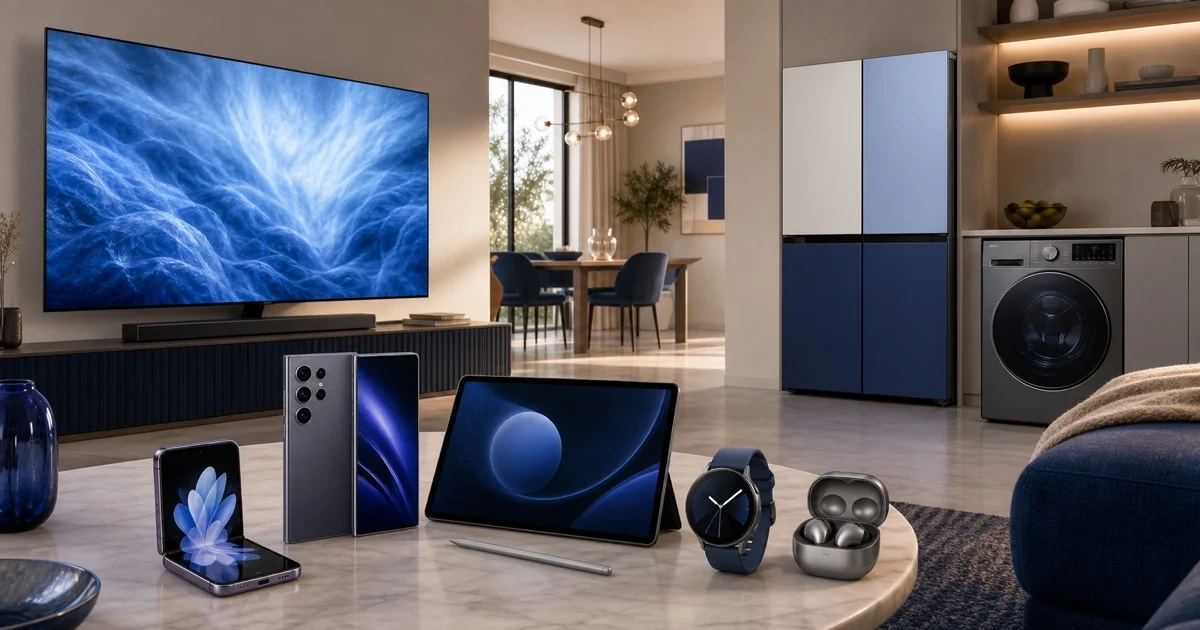
Samsung devices have become a core part of digital life in many homes in Saudi Arabia, from the phone we use for work and keeping in touch, to the TV that brings the family together, to the home appliances that save time and energy. But the number of categories, sizes and specifications can make buying confusing: do you really need a flagship phone? What is the practical difference between screen sizes? Is it better to buy a standalone device or build a connected Samsung ecosystem? This guide helps you compare calmly and decide what suits your use and budget before paying.
Start with your needs before comparing Samsung devices
The smartest way to buy is not to look for the most expensive device or the newest release, but to write down three things clearly: your daily use, your maximum budget and how long you expect to keep the device. A user who relies on photography and content creation needs different specifications from a student who wants a strong battery and a comfortable screen, and a family that watches films needs a different TV from someone who uses the screen for competitive gaming.
Split your needs into essentials and extras. Essentials might include a specific storage size, dual-SIM support, a screen size that fits the room or a quick wash programme. Extras might include a particular colour or a feature you rarely use. This step stops you paying a lot for features that add no real value to your experience.
How to choose the right Samsung phone
Samsung offers several Galaxy phone ranges, so it helps to think about the range before the model name. Flagship phones suit people who want high performance for photography, gaming and multitasking, while mid-range phones offer excellent value for everyday use such as chats, social apps and video. Foldable phones serve people who prefer a big screen in an easily carried device or want a different experience for work and travel.
Performance and memory
If your use includes video editing, demanding games or many apps open at once, pay attention to processor power and RAM. Normal use does not always need the highest specification available. Most importantly, choose enough storage for your photos and apps for years, because storage filling up quickly can spoil a good device. Calculate the size of your current files, then add spare space for growth and updates.
Camera: do not judge by the number of lenses alone
The number of lenses or megapixels alone does not guarantee a better photo. Ask about low-light photography, video stabilisation, focus speed and telephoto quality if you use zoom. Look at real sample photos in conditions close to your use: indoors, in evening light and on the move. If you publish content, also check the microphone, front camera and how easy it is to transfer files to a computer or tablet.
Battery and charging
Battery capacity matters, but processor and screen efficiency and your usage also affect battery life. A user who relies on maps, data and photography away from home needs a stronger battery than one who works near a charger. Compare real-world battery life, not just the stated figure, and check which charger is compatible and whether it is included or sold separately. Using a reliable, compatible charger keeps things safe and reduces long-term problems.
Screen and size
A large screen suits viewing and work, but it may be less comfortable in the hand or pocket. Try holding a similar size before buying. Pay attention to brightness if you use your phone in the Saudi sun, and to refresh rate if smooth motion matters to you. Remember that higher resolution can use more power, so look for a balance that serves your use rather than chasing numbers.
Is a foldable phone right for you?
Galaxy foldable phones offer two clear benefits: a large screen for work and content in a portable design, or a small device that folds easily. But they need a considered decision because they are used differently from a traditional phone. Think about hinge durability, water and dust protection according to the device specifications, repair costs and the type of protective case. If the large screen will help you every day with reading documents or using two apps at once, the value may be real. If your goal is only the look, a traditional phone may give you higher specifications for the same price.
Tablets and the S Pen
A Galaxy Tab can suit studying, note-taking, drawing, meetings and watching content. First decide whether you want a partial computer replacement or a light second screen. A keyboard, the pen and cloud storage can turn the device into a productivity tool, but the cost of accessories should be in the budget from the start. If you use large files or professional apps, check memory, storage and support for the apps you need before buying.
The ecosystem benefit appears when files and notifications move easily between phone and tablet, but do not let connectivity be your only reason. Each device should offer value on its own. Compare weight, screen quality, battery life, front-camera clarity for calls and how comfortable the pen is during long writing sessions.
Galaxy Watch and earbuds: when are they worth adding?
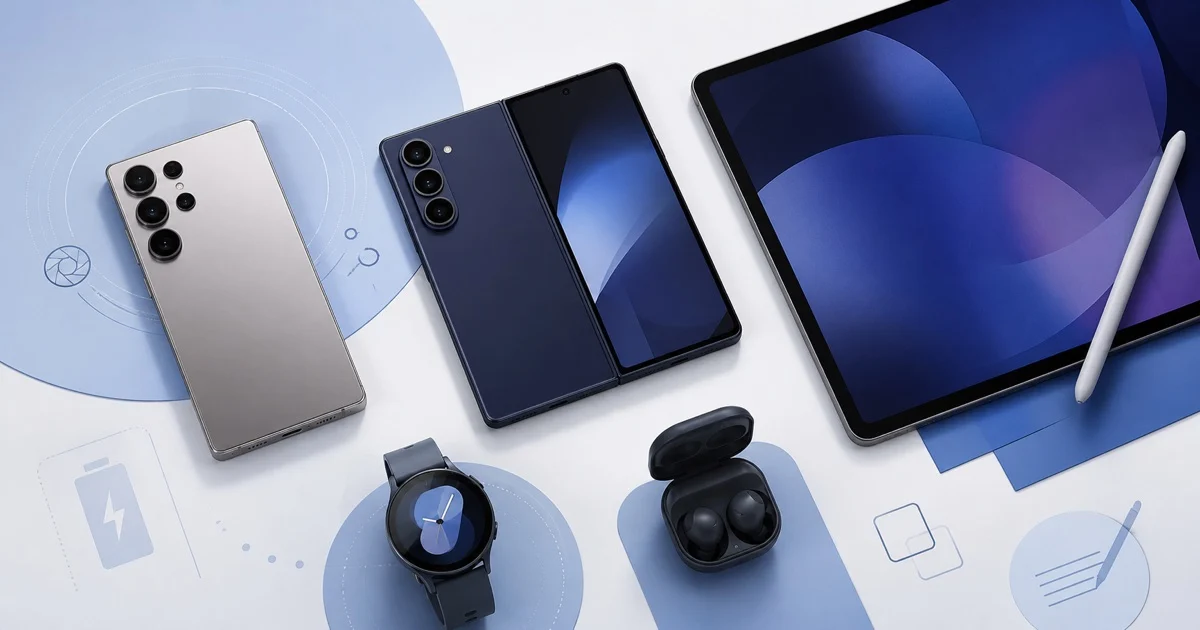
A smartwatch is useful if you want to follow notifications and daily activity without taking out your phone every time. Focus on comfort, wrist size and battery life, and do not rely on health readings for medical decisions without consulting a professional. Also check that features are compatible with your phone and region, because some features may differ by device, country or software version.
For earbuds, try the fit and stability where possible. Noise cancellation matters when travelling and in offices, but call clarity and comfort after an hour of use may matter more. Pay attention to water resistance, battery life with the case and how easy it is to switch between your devices. Do not pay more for features you will not use regularly.
Choosing a Samsung TV by room and use
Start with viewing distance, not the biggest size you can afford. A huge screen in a small room can be tiring, while a small screen in a large sitting room reduces enjoyment. Measure the distance between the seating and the wall, and check the dimensions of the table or stand, socket positions and whether cables can be hidden. Also think about viewing angle if family members sit in different places.
Screen type and lighting
A bright room needs a screen with good brightness and suitable reflection handling, while film lovers in dark rooms benefit from strong contrast and better black levels. Do not get caught up in names alone; watch real content, including dark scenes, fast sports and small text. Make sure the natural picture mode suits you, because in-store displays may use exaggerated brightness settings.
Gaming and sound
If the TV is mainly for gaming, pay attention to refresh rate, response time and ports compatible with your console. For films, you may need a sound system or speaker, because thin screens limit built-in sound. Include the cost of accessories and installation with the base price, and make sure there is enough space and ventilation around the device.
Home appliances: refrigerators, washing machines and air conditioners
For home appliances, a long life and after-sales service matter more than an attractive feature used once. When choosing a refrigerator, measure the kitchen opening, depth and door-opening space, and work out your family’s cooling and freezing needs. Do not forget the route into the home: door widths, the lift and corridors. A beautiful design does not make up for the wrong size.
For washing machines, compare capacity with household size and washing habits. A large family may benefit from more capacity, but running small loads in a huge machine is not always the most efficient choice. Check the programmes you will actually use, noise level, how easy the filter is to clean and availability of maintenance. For air conditioners, choose the right capacity for the room size, insulation and sun exposure; the wrong choice can increase electricity use and reduce comfort.
Energy efficiency and the real cost of ownership
The purchase price is not the only cost. Add electricity use, accessories, installation, maintenance and an extended warranty if you need one. The energy efficiency label helps you compare devices that run for long hours, especially air conditioners and refrigerators. A more expensive device may save money over the years if it uses less power and has better service, but calculate that based on your realistic use.
Keep the invoice, model number and serial number, and register the product if the company offers it. Read the warranty terms to see what is covered and who carries out repairs. Buying from a trusted store reduces the risk of a different version or warranty difficulties, especially with offers that look much cheaper than the market.
How to compare prices and offers in Saudi Arabia
Compare the final price, not the price in large print. The total can differ because of shipping, installation, tax, accessories and instalment options. Open the same product with the same specifications, capacity and colour at several sellers, then record the final price, return policy and delivery time. Sometimes an offer that includes installation, a warranty or a useful gift is better than an apparently bigger cash discount.
Before sale seasons, watch the price for a short time so you know whether the discount is real. Read the exchange and return terms, especially for opened or customised devices, and check return fees. At CoboniKsa we show codes to make them easy to find, but the store is the final authority on applying the discount and deciding which products are excluded. For large orders, see also how discount codes reduce the cost of large orders.
Quick checklist before payment
- Confirm the model number, storage and colour; do not compare two different products by their general name alone.
- Check the device’s compatibility with the networks, apps and accessories you use.
- Include shipping, installation, tax and warranty in the final price.
- Read the return policy and who carries out repairs in Saudi Arabia.
- Apply the discount code and confirm the total changes before paying.
- Keep the invoice and a screenshot of the offer details at the time of purchase.
Frequently asked questions about buying Samsung devices
Do I always need the latest Samsung phone?
No. If a previous-generation device offers the camera, battery and updates you need at a better price, it may be the smarter choice. What matters most is the support period, condition and warranty, not just the announcement date.
How do I know the TV size is right?
Measure the viewing distance and the dimensions of the wall or table, then compare them with the available sizes. Consider screen resolution, seating angle and lighting, and do not rely on your impression in a large showroom.
Do all Galaxy features work with any phone?
Some functions work on several devices, while others need a Galaxy phone, a specific software version or a particular app. Check the compatibility page before buying the watch, earbuds or pen.
Privacy, updates and moving your data to the new device
Before replacing your phone, back up photos, contacts, chats and important files, then make sure you can open them before wiping the old device. Use a reliable transfer tool, and do not hand over your old phone for sale or trade-in before signing out of accounts, removing payment cards and the screen lock, and performing a factory reset. If you use authenticator apps, transfer the login codes correctly so you do not lose access to your accounts.
When you start your new Galaxy device, review camera, microphone and location permissions for each app instead of approving everything automatically. Turn on security updates, set a strong lock method and enable find-my-device. These steps do not make the device faster, but they protect the value of your purchase and your personal data. Also check how long the model is expected to get updates; a device with longer support may be better value even if it costs slightly more.
Are AI features worth the price difference?
Smart features are expanding in photography, translation, search and content summaries, but that does not mean every user needs the top range. Ask yourself: will I use the feature weekly? Does it work in the language and apps I rely on? Is processing done on the device, or does it need an internet connection or an account? Read the availability terms, because some features may differ by language, region and version, and the way they are offered may change in future.
If your work relies on note-taking, meetings or photo editing, smart features may save you noticeable time. If your use is limited to calls and browsing, it is better to prioritise battery, screen and storage. Do not pay a big difference for a short demo; look for a repeated benefit you can clearly describe.
When is the right time to buy?
There is no single date that suits everyone. If your device has broken or is no longer secure, waiting a long time may cost you more. If your device works well, watch prices around sale seasons such as White Friday and 11.11 and around new launches, when previous-generation prices may fall. Set a target price in advance, and compare the cash offer with instalment, trade-in and gift options. Sometimes a gift looks attractive but is no use to you, while an extra warranty or free installation is worth more.
Check the offer’s start and end dates, and do not decide under the pressure of a countdown timer alone. Real saving means buying a device you need at a sensible final price, not buying something unnecessary because the discount percentage is high. Once you find the right device, you can browse the stores page on CoboniKsa before paying.
Conclusion
The best Samsung device is not the one with the most specifications, but the one that solves your daily need at a sensible cost and lasts a suitable time. Start with use and budget, then compare performance, size, warranty and running costs. When you reach checkout, review the final price, warranty and return terms before completing the order. With these steps you combine a considered technical choice with real savings, without being carried away by an advertisement or a number that does not serve you.