
Explore OnlineSIM virtual numbers for receiving SMS. Compare packages, understand eligibility and account recovery, and access the no-code affiliate offer.
In this guide (12)
- What is OnlineSIM?
- Choose a suitable use case first
- How to get started with OnlineSIM
- Compare packages and the final price
- No coupon code is required for this listing
- Plan for privacy and account recovery
- What to check when a message does not arrive
- A quick checklist before purchasing
- Frequently asked questions
- Make an informed choice
- OnlineSIM in 30 seconds
- OnlineSIM FAQ
Affiliate disclosure: This guide contains an OnlineSIM affiliate link. CoboniKsa may earn a commission if you purchase through it, at no additional cost to you. No coupon code or guaranteed discount is claimed.
Looking for an OnlineSIM virtual number to receive SMS without sharing your everyday mobile number? Start by understanding the service, comparing the actual cost, and deciding how long you need access. This guide explains the buying decisions that matter before you open an account or choose a package.
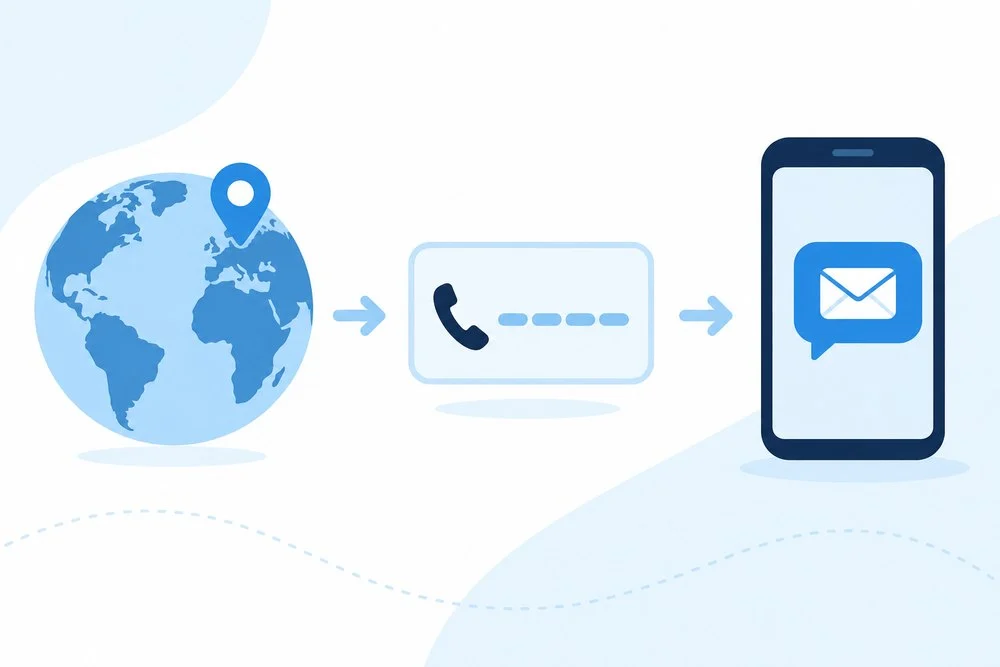
What is OnlineSIM?
OnlineSIM supplies online numbers for incoming SMS. Its published process involves selecting a service and country, copying the assigned number into the relevant form, and reading the received message in your account. A virtual number is different from buying a physical SIM or subscribing to a conventional mobile plan.
Think of the number as a task-specific tool. Before using it, check whether the website you intend to access permits virtual numbers. An available number does not automatically mean that another platform will accept it. Choose services according to your legitimate needs and the receiving platform’s rules.
Choose a suitable use case first
Write down what you want to accomplish before comparing packages. Perhaps you need to separate routine registrations from your personal phone, evaluate a permitted workflow, or receive messages for an account you control. Defining the purpose makes it easier to assess whether a temporary number is appropriate.
Ask how important future access will be. A low-cost, short-lived solution can become expensive if an account later requests another message and you cannot access the number. For important accounts, prioritize a durable recovery method rather than treating the first successful message as the entire decision.
How to get started with OnlineSIM
- Open the OnlineSIM affiliate offer and review the current service details.
- Check the country, receiving service, price, access period, and relevant terms before purchasing.
- Use the selected number only for an account or activity you are authorized to manage.
- Follow the dashboard instructions, then confirm that your intended workflow is complete.
Keep the purchase information organized. Record the package name, transaction reference, and support instructions, but avoid saving verification codes in shared documents. Clear records help you explain an issue without exposing private messages or confidential account details.
Compare packages and the final price
On September 28, 2026, the public landing page displayed thirty-day packages of three numbers for $15, five for $22.50, and ten for $40. These are observed prices, not permanent quotations. Check the live checkout for changes, availability, renewal terms, and applicable charges.
Compare the package against the number of tasks you actually need. Buying more capacity can reduce the listed unit price while increasing your total spending. Unused capacity is not a saving. Decide your maximum budget first, then choose the smallest suitable option instead of chasing a larger package.
If you pay in a different currency, review the payment provider’s conversion and any additional fees. CoboniKsa’s final price calculation guide explains why the amount you actually pay matters more than a headline offer.
No coupon code is required for this listing
The CoboniKsa listing is an affiliate offer, not a published promotional code. Opening the link does not establish a discount, complimentary balance, or guaranteed eligibility. Follow the offer through to checkout and verify the actual terms before making a payment.
If you find a separate promotion on the provider’s website, read its conditions carefully. Check customer eligibility, included products, expiration, and renewal requirements. Our coupon troubleshooting guide provides a practical checklist for understanding why promotional offers sometimes fail.
Plan for privacy and account recovery
Consider what would happen if access to the number ended. Keep recovery information current and use an alternative authentication method where available. Do not rely on an unfamiliar temporary number as the only way to regain access to something important.
Review the provider’s privacy information and decide whether the message content is appropriate for the service. Avoid submitting sensitive personal records merely to test an unfamiliar workflow. Keep your account credentials private and use a unique password for the provider account.
What to check when a message does not arrive
First, confirm the number format and selected country. Check whether you chose the correct receiving service and whether the request is still within the access period shown in the dashboard. Follow the provider’s stated troubleshooting process rather than making repeated purchases immediately.
Document the error and contact support with the minimum information necessary. Explain the service, approximate request time, and problem description. Do not send passwords, payment card details, or private message contents that are unrelated to the issue.
A quick checklist before purchasing
- Confirm that virtual numbers are permitted for your intended use.
- Check the country, service, availability, and access period.
- Compare total spending against your budget.
- Review support, renewal, and refund information.
- Prepare a recovery method before connecting an important account.
Frequently asked questions
Is a virtual number the same as a mobile subscription?
No. Evaluate the specific capabilities offered rather than assuming that calling, mobile data, roaming, or permanent ownership are included. Your usual mobile subscription and a temporary SMS tool serve different purposes.
Should I buy a larger package immediately?
Start from your actual workload. Calculate how many numbers you expect to use during the access period, and leave room for changing requirements. A smaller initial commitment can help you evaluate suitability before spending more.
Where should I verify the latest conditions?
Read the provider’s current offer, checkout information, and support guidance directly before ordering. Save the relevant purchase confirmation for convenient future reference.
Make an informed choice
An OnlineSIM virtual number may fit a defined, permitted SMS task, but the right choice depends on your requirements and future access needs. Start with clear expectations, verify the current terms, and compare the full cost. When ready, explore OnlineSIM through our affiliate link.
Source: Service description and price snapshot checked on the official OnlineSIM website. Illustrations are original educational editorial artwork.
OnlineSIM in 30 seconds
OnlineSIM (often searched as online sim or onlinesim.io) gives you a virtual number to receive SMS online without sharing your personal mobile number.
How to use OnlineSIM in 4 steps
- Choose the country and the service that will send the SMS.
- Check the price and access period, then buy the number.
- Paste the number into the site you are signing up for.
- Read the SMS in your OnlineSIM dashboard.
OnlineSIM FAQ
What is OnlineSIM (online sim)?
OnlineSIM is an online service that supplies virtual phone numbers for receiving SMS. You choose a service and country, copy the assigned number into the form, and read the incoming message in your OnlineSIM account.
How do I use OnlineSIM to receive an SMS?
Open the offer, pick the country and receiving service, check the price and access period, then paste the assigned number into the site you are using and read the SMS in your dashboard.
Is there an OnlineSIM promo code?
CoboniKsa does not publish an OnlineSIM promo code. The listing is an affiliate offer with no guaranteed discount, so check the final price at checkout.
Is onlinesim.io the same site?
People search for OnlineSIM as onlinesim, online sim or onlinesim.io. The site checked for this guide was onlinesim.one; always confirm the address in your browser before paying.
Will every website accept an OnlineSIM number?
No. Some platforms block virtual numbers. Check the receiving site rules first and do not use a temporary number as the only recovery method for an important account.