
A practical step-by-step guide to Binance account setup, identity verification, security, funding and basic trading, with referral terms and risk checks.
In this guide (11)
- Binance at a glance
- Step 1: Open the official page and check the referral terms
- Step 2: Create an account
- Step 3: Complete identity verification
- Step 4: Secure the account before funding it
- Step 5: Add funds only if you choose to
- Step 6: Explore Convert or Spot with a clear limit
- Step 7: Check the referral activity and any reward
- Step 8: Keep records and review withdrawals
- Important risks and eligibility
- Conclusion
Affiliate disclosure: This guide contains a Binance referral link. CoboniKsa may receive a benefit if you join or complete eligible activities through it. Your eligibility, any reward and its conditions are determined by Binance; nothing here guarantees a bonus.
Binance is a cryptocurrency exchange where eligible users can create an account, hold supported digital assets and use services such as Convert and Spot trading. If you want to explore it, start with the Binance referral page, read the current offer terms on that page, and confirm that the service is available in your country. Cryptocurrency prices can move sharply and you can lose money.
Binance at a glance
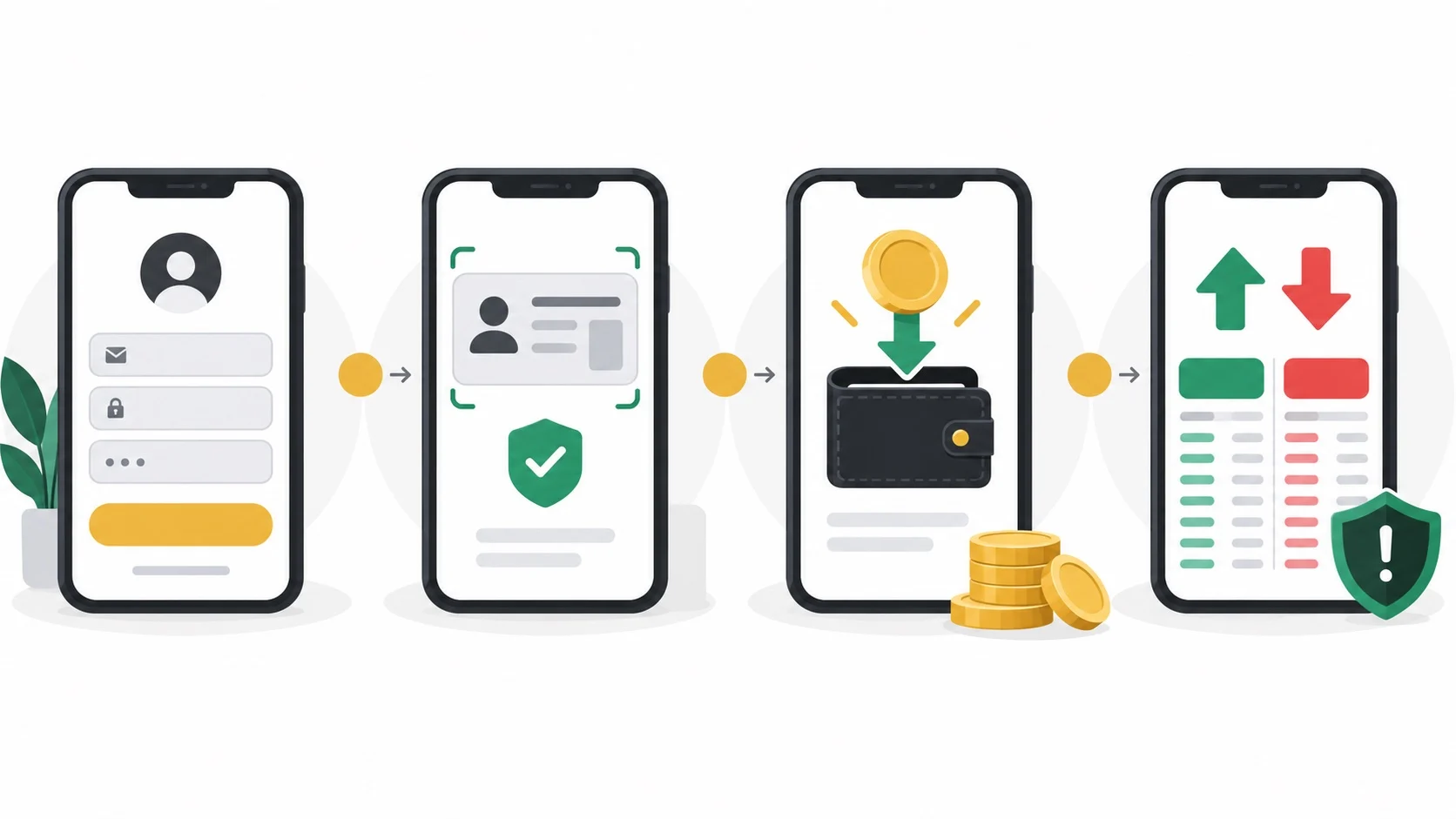
The basic journey is account creation, identity verification, account security, funding, and then an optional transaction. The interface and available payment methods depend on your location, account and current Binance rules. A referral link is an invitation to an activity; it is not a coupon code or a promise of free USDC.
Step 1: Open the official page and check the referral terms
Use the Binance referral link and make sure the browser shows a genuine binance.com address before entering details. Read the live activity rules: who may join, whether new-user status is required, which countries are eligible, whether a task or trade is needed, and when any reward expires. The offer shown when you visit may differ from an older advertisement or may no longer be available.
Step 2: Create an account
Choose the sign-up option on Binance’s website or official app. Follow the prompts for an email address, phone number or supported sign-in method, create a strong unique password, and confirm your contact method. Use only an account you control. If you already have a Binance account, check the referral terms before assuming an existing account qualifies.
Step 3: Complete identity verification
Binance may request your legal name, country, identification document and a facial check. Follow the on-screen instructions and submit information only inside the official Binance app or website. Verification, trading access and referral eligibility can vary by region and may change. Never send identity documents to someone claiming to be a support agent over chat or social media.
Step 4: Secure the account before funding it
Turn on an authenticator or another available two-factor authentication method, review anti-phishing and device-management options, and keep recovery details private. Bookmark the official site rather than opening unexpected messages. Binance’s beginner guide also recommends account verification and two-factor security before trading.
Step 5: Add funds only if you choose to
From the wallet or Buy Crypto area, review the payment methods available to your account. Before confirming, compare the quoted price, processing fees, exchange-rate spread and any payment-provider charges. If you transfer cryptocurrency from another wallet, match the asset and network exactly and check the deposit address carefully. A wrong network or address can result in permanent loss. Consider a small test transfer when appropriate.
Step 6: Explore Convert or Spot with a clear limit
Convert typically shows a quote for swapping one supported asset for another. Spot provides a market interface and order choices. Review the asset pair, amount, price, fees and final confirmation screen before placing an order; you can stop without trading. Avoid borrowing, margin or futures products until you understand their extra risks. No trade is required merely to read this guide, and a referral task should never be a reason to trade beyond your own risk limit.
Step 7: Check the referral activity and any reward
Return to the activity page or Rewards Hub inside your Binance account to see whether the invitation registered and whether any task is available. Binance’s referral program guide explains that referral modes and task conditions differ. A reward may require identity verification, a qualifying action and claiming a voucher by a deadline. Check the rules shown for your account; do not assume a fixed amount, universal eligibility or that a reward is cash you can withdraw immediately.
Step 8: Keep records and review withdrawals
If you use the platform, keep records of deposits, trades, fees and withdrawals for your own tracking and any applicable tax obligations. Before withdrawing digital assets, confirm the destination wallet, asset and network and check the fee and minimum amount. Use the official support center if a transaction or referral status is unclear.
Important risks and eligibility
- Digital assets are volatile. You may lose some or all of the amount used to buy or trade them.
- Binance services, payment methods and referral programs may be restricted where you live.
- Referral rewards are conditional, may change and may expire. This link is not a guaranteed discount or bonus.
- Keep your password, two-factor codes and recovery information private. Check the web address before signing in.
Conclusion
Begin with the account and security steps, then decide whether any purchase or trade fits your own circumstances. If you would like to check the current invitation, open the Binance referral page and read its live terms before signing up. This article is educational information, not personal financial advice.